Payment options
Pay through Square
RX can accept an owner-approved payment using the Square checkout link below. This is a general payment link, not a link to an individual RX invoice. Confirm the exact amount with RX before paying.
Square-hosted checkout
Before paying, verify that the amount and purpose displayed in Square match the amount RX asked you to pay. If not, stop and contact RX rather than submitting a different amount.
Open Square payment pageImportant: invoice matching
General-link payments do not automatically update your RX invoice. Keep your Square receipt and provide the invoice or work-order number to RX so the payment can be matched and recorded.
Scan to pay
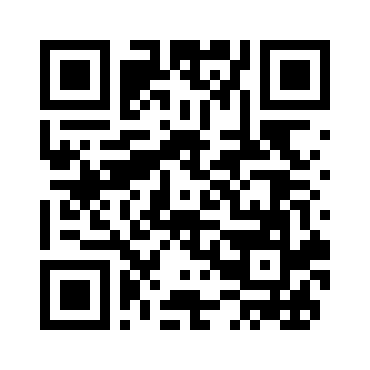
The QR code opens the same Square link. Confirm the displayed amount before paying.
Need an invoice-specific payment link?
Contact RX for confirmation of your amount, invoice reference, or another accepted payment method. This general link is independent of the invoice's current balance and does not confirm payment completion on the RX website.